theopensourcerewind aialternative
Rewind AI was a screen recording app that captured and indexed everything on your screen. It's now part of Limitless; screenpipe is a local-first, source-available alternative for macOS, Windows, and Linux.
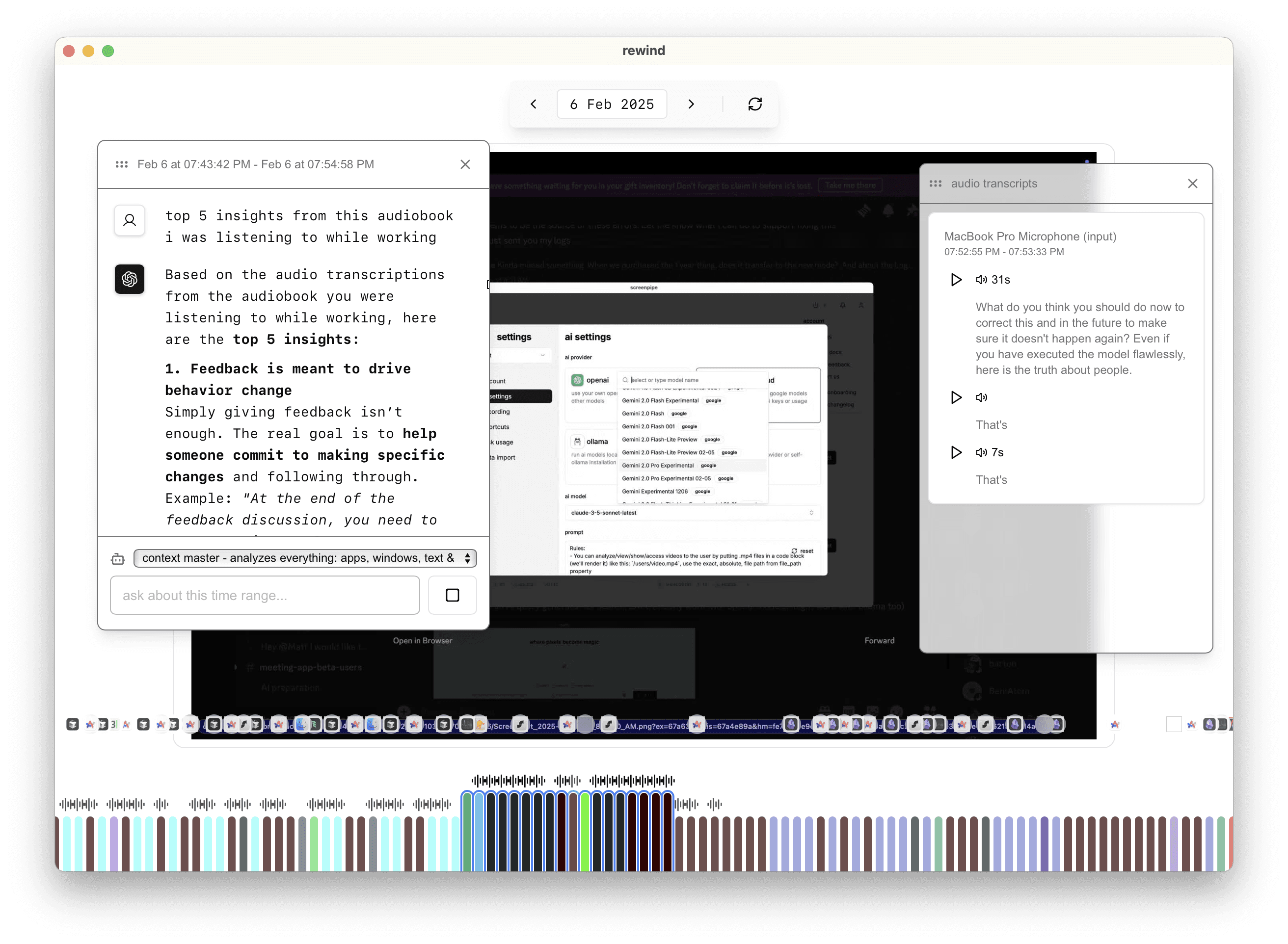
interactive timeline
navigate your digital past with an intuitive timeline interface similar to rewind ai
search your recorded history
find anything you have seen or heard with 100% accuracy using ui traversal technology
meeting playback
revisit conversations with transcripts and video playback of your important meetings
direct data access
query your local data directly using sql, apis, or custom scripts for unlimited flexibility
fully customizable
modify any aspect of the app with your own code - create plugins, new integrations, or custom UIs
local-first security
your data stays on your device with local inference powered by ollama, and optional cloud models
screenpipe vs rewind ai
rewind ai was acquired and rebranded to limitless, pivoting to cloud-based processing and proprietary hardware. screenpipe keeps capture data local by default and makes its source available for review.
| feature | screenpipe | rewind / limitless |
|---|---|---|
| Source available | ||
| 100% local processing | ||
| Screen capture + text extraction | ||
| Audio transcription | ||
| AI-powered search | ||
| Developer API | ||
| Custom scheduled tasks | ||
| Windows support | ||
| Linux support | ||
| Self-hostable | ||
| Paid app subscription | ||
| Cloud sync (optional) |
ai-powered insights
your personal ai memory assistant
our ai understands your digital context and can answer questions about anything you've seen or done on your computer.
- references exact moments in your history
- learns your preferences over time
- find what you're looking for with natural language
- recalls context from specific time periods
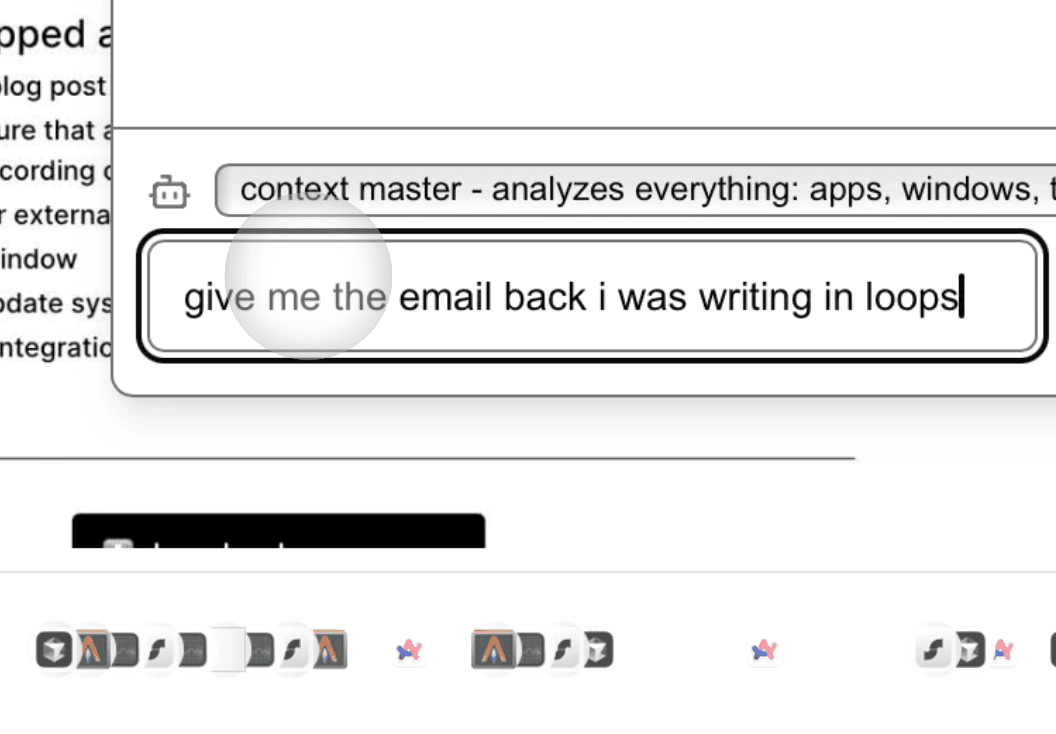
ask anything about your past
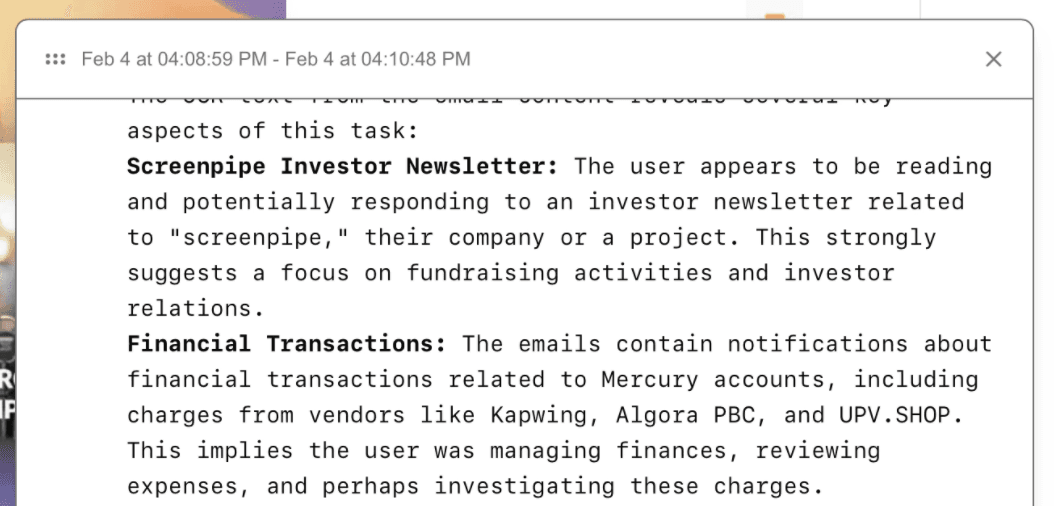
get accurate, contextual answers
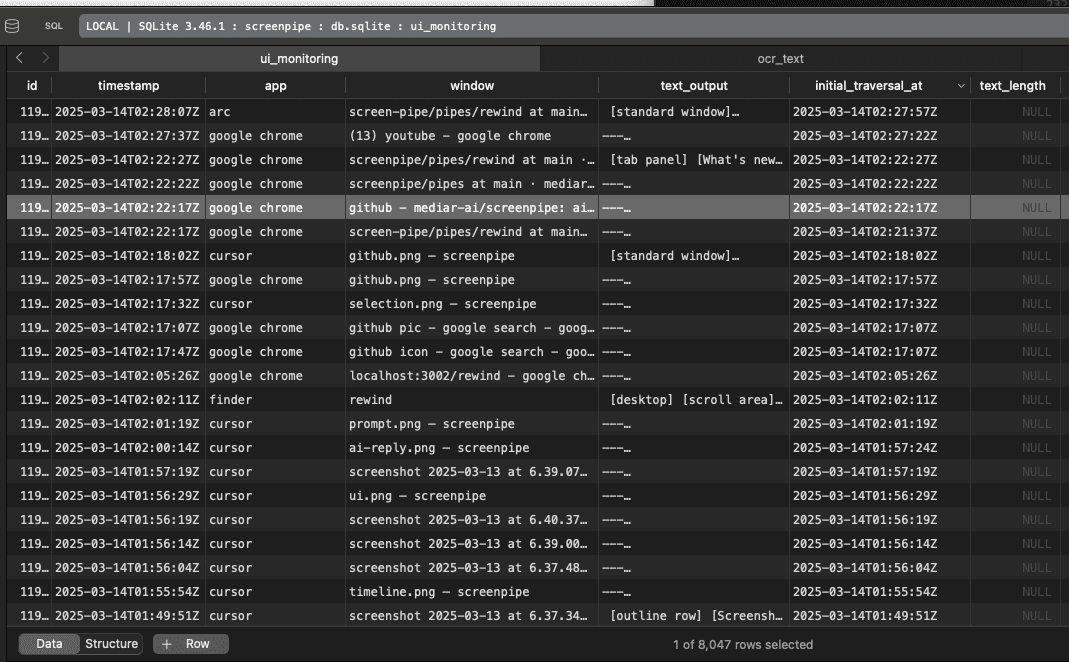
private by design
your data is yours alone. we take privacy seriously with multiple layers of protection:
- all data stored locally on your device, not in the cloud
- easily pause recording for sensitive applications
- automatic exclusion of incognito/private browsing sessions
- one-click deletion of selected recordings
timeline ui
navigate your digital history with our intuitive timeline interface. select any time period and ask ai questions about what happened then:
- select any timeframe with a simple drag on the timeline
- ask natural language questions about that specific period
- replay meetings with automatic transcripts and captions
- find something you saw, said, or heard
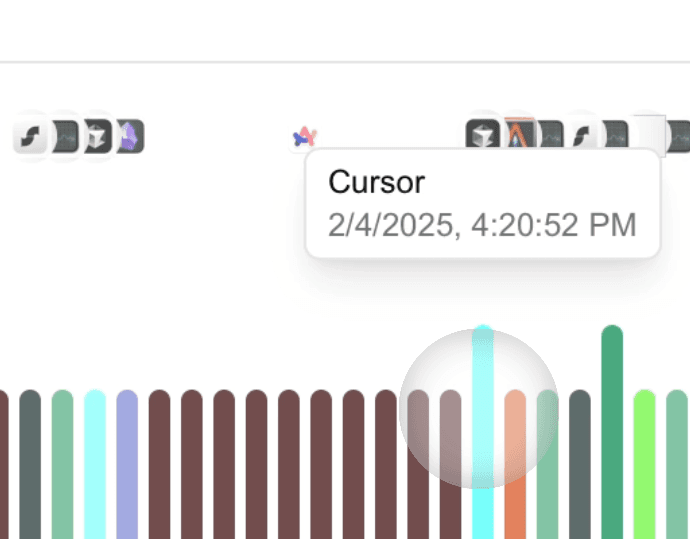
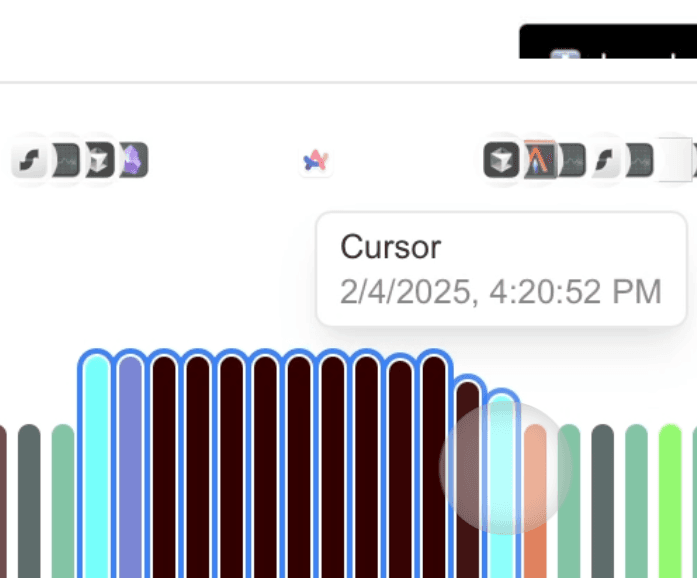
search your recorded history
find anything with unprecedented accuracy using our ui traversal technology:
- 100% accurate text capture directly from application source
- search by app names, tabs, or specific windows
- lightning-fast keyword search
- browse complete history of your searches and chats
how it works
install & setup
download screenpipe and follow the simple setup wizard. grant permissions and you're ready.
set it and forget it
runs quietly in the background, recording, compressing, transcribing, and storing your data locally.
access your digital memory
search, browse the timeline, or ask ai about anything you've seen, said, or heard.
perfect for
developers
recall that stackoverflow solution you found last week without having to search again
executives
remember every important detail from back-to-back meetings without taking notes
researchers
keep a searchable record of your work, with sources and connections you can revisit
everyone
find that one thing you know you saw somewhere but can't remember where
what people are saying
"I use it to track important details across my projects. what used to take hours of searching through old notes now takes seconds."

alex
software engineer
"Feels like a superpower. i can recall every meeting detail without disrupting my workflow by taking notes."

taylor
product manager
frequently asked questions
what is the best alternative to rewind ai?
screenpipe is a local-first, source-available alternative to rewind ai. it captures your screen and audio, stores capture data locally by default, and lets you search with ai on macos, windows, and linux.
what happened to rewind ai?
rewind ai was acquired and rebranded to limitless. it pivoted from a local-first mac app to a cloud-based platform with a proprietary wearable. screenpipe remains local-first and source-available.
how much disk space does it use?
storage use depends on capture settings, screen activity, and retention. you can set retention policies to automatically delete older data.
how much cpu/memory does it consume?
resource use depends on your operating system, capture settings, displays, and enabled models. check the current system requirements before deployment.
is my data private?
capture data is stored locally by default. optional sync, cloud AI, exports, connectors, or team workflows can transmit selected data when enabled. you can control recorded apps and pause or delete recordings.
what platforms are supported?
macos, windows, and linux, including intel and apple silicon macs. rewind ai supported macos only.
is screenpipe free?
screenpipe's source is available under the Screenpipe Commercial License. personal and evaluation use can be free; commercial use requires a license. current app and cloud plans are listed on the pricing page.
pricing
Give your AI more of your work.
Start local. Upgrade for full history, personal sync, and managed team seats.
Free
Start on one device
$0
macOS, Windows, and Linux
- capture screen, audio, and meetings on your device
- search recent work across apps and conversations
- share selected context with Claude, Codex, and other AI tools
Basic
Full personal history
$21
/ month$250/yr billed annually · save $50
- full searchable history across apps, meetings, and audio
- reusable context for Claude, Codex, and other AI tools through MCP
- unlimited scheduled workflows you install
Business
Personal device sync and team seat management
$42
/ seat / month$500/seat/yr billed annually · save $100
max + ultra capacitycompare
Max adds throughput. Ultra adds Infinite Context + mobile access in private beta.
Shared context across teammates is not currently included.
- sync your own context across your devices
- recurring workflows grounded in what screenpipe captures
- centralized billing and managed seats
Compare plans & features.
| features | Free $0 download | Basic $21/mo download | Business $42/seat/mo download | Enterprise custom contact |
|---|---|---|---|---|
| searchable work history | limited | full local | full + synced | managed |
| context across your devices | — | — | ||
| Infinite Context + mobile access | — | — | Max + Ultra beta | |
| scheduled workflows | limited | |||
| models for questions about your work | Auto | efficient | frontier | custom |
| centralized billing and managed seats | — | — | ||
| Shared context across teammates | — | — | Not currently included | |
| SSO, MDM, retention, and device controls | — | — | — | |
| turn company work into skills and agents | — | — | — | |
| support | community | community | priority | dedicated |